
Clippr Turns Long Videos Into Ready-To-Post Shorts
Clippr is Fractal's AI-assisted clipping tool for creators who want to turn long videos, podcast episodes, tutorials, interviews, or rights-cleared source clips into vertical Shorts without hunting timestamps by hand.
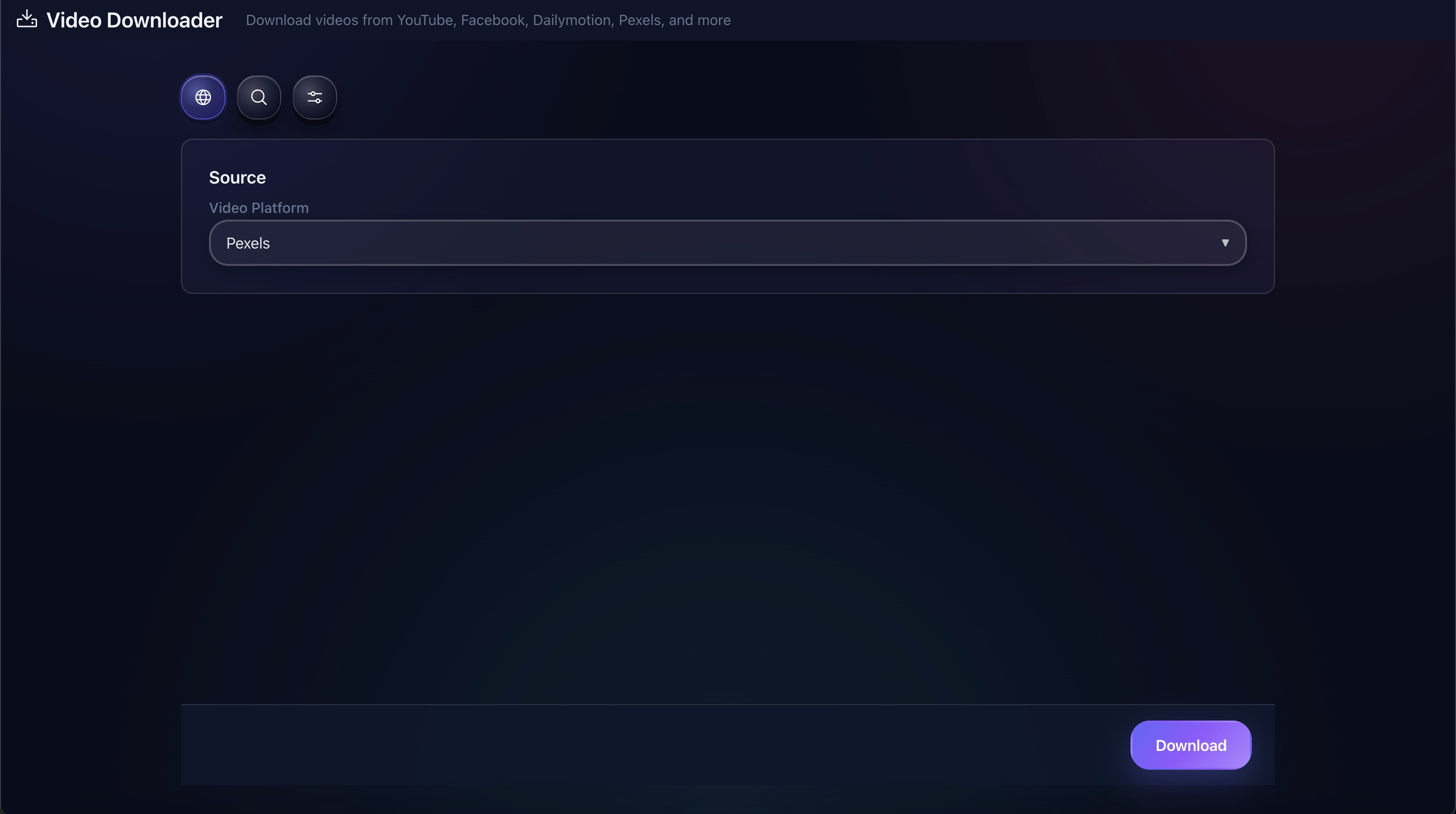
Clippr supports local video files, URLs through Fractal's downloader, and recent videos from a connected channel.
Shorts From The Videos You Already Have
Clippr is built for long source videos where the good moments are buried in the middle. It helps you find the cuts, render vertical clips, and move them into your publishing flow.
Find strong moments faster
Clippr uses transcript-aware AI planning when available, then falls back to local timing heuristics so the run can still produce a usable draft.
Render vertical MP4s
Each generated result is a 9:16 MP4 with smart vertical reframing, hook text, and optional auto color and zoom polish.
Review before publishing
Preview the clips, reveal files, adjust hook or polish actions, then upload or schedule through the connected YouTube channel workflow.
Bring In The Source That Fits The Job
Local upload
Choose MP4, MOV, WebM, or MKV files from your machine when you already have the source video downloaded.
Video URL
Paste a video URL and let Fractal's downloader ingest the source for a Clippr run.
My Videos
Pick recent uploads from a connected YouTube channel so you can repurpose your own long-form archive quickly.
Rights-cleared sources
Use Clippr on media you own, have licensed, or otherwise have permission to process and republish.
From Long Video To Shorts Batch
Choose a source
Upload a file, paste a URL, or select a recent channel video.
Set clip rules
Choose 1-12 target clips, minimum and maximum seconds, and a style such as viral shorts, educational hooks, or podcast highlights.
Let Clippr analyze
Clippr checks the source, attempts transcript-based planning, selects timestamp ranges, and prepares hook and description text.
Render vertical clips
The render step reframes each moment to 1080x1920 with smart fit, center crop, or portrait-safe fill behavior.
Review and schedule
Use the result cards to preview, reveal, edit, upload, or schedule selected clips for a connected channel.
What Clippr Produces
Generated Shorts
Each clip includes a rendered file, title, hook, timestamp range, and platform-ready description fields.
Result history
Past runs are saved by channel so you can come back to generated clips instead of losing the batch after one session.
Posting calendar
Scheduled and posted clips appear in a simple calendar view tied to the selected channel.
Bulk scheduling
Select multiple clips and let Clippr space them into future publish slots instead of setting every time manually.
Use Clippr When The Source Already Has Good Moments
Podcasts and interviews
Turn a long conversation into candidate clips built around complete ideas, reveals, objections, examples, or punchlines.
Tutorials and explainers
Pull tight educational moments from longer videos without scrubbing the full timeline manually.
Channel repurposing
Clip your own long-form library into Shorts batches while keeping review and scheduling inside Fractal.
Ready To Make Your Long Videos Work Harder?
Clippr is available on Platinum and Diamond plans inside Fractal Video Shufflr.